





Allows developers to monetize their Kivy mobile applications using Google AdMob.
- No need to change internal Android project manifest templates or Java code.
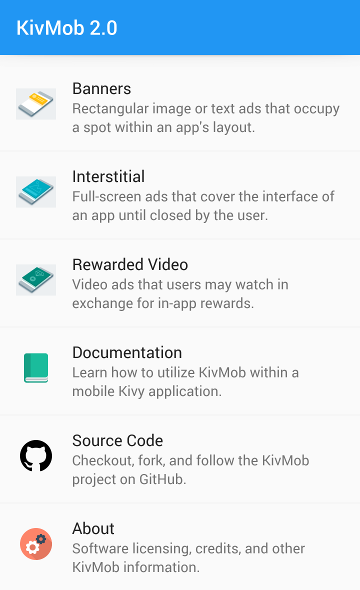
- Supports banner, interstitial, and rewarded video ads.
For more information, please read the official documentation.
You can install KivMob with the following command.
$ pip3 install https://github.com/MichaelStott/KivMob/archive/refs/heads/master.zip
Install Docker and pull the official Buildozer image (SDK/NDK are cached in ~/.buildozer on the host).
$ docker pull kivy/buildozer:latestKivMob on Android needs the kivmob-android-bridge Maven artifact, published to GitHub Packages from this repository.
Create a new folder containing main.py and buildozer.spec.
$ mkdir kivmob-quickstart
$ cd kivmob-quickstart
$ touch main.py
$ docker run --rm -it \
    --volume "$HOME/.buildozer":/home/user/.buildozer \
    --volume "$(pwd)":/home/user/hostcwd \
    kivy/buildozer init
Copy the following into main.py.
from kivmob import KivMob, TestIds
from kivy.app import App
from kivy.uix.button import Button

class KivMobTest(App):

    def build(self):
        self.ads = KivMob(TestIds.APP)
        self.ads.new_interstitial(TestIds.INTERSTITIAL)
        self.ads.request_interstitial()
        return Button(text='Show Interstitial',
                      on_release=lambda a:self.ads.show_interstitial())

    def on_resume(self):
        self.ads.request_interstitial()

KivMobTest().run()
Make the following modifications to your buildozer.spec file.
requirements = python3, kivy, android, jnius, https://github.com/MichaelStott/KivMob/archive/refs/heads/master.zip
...
android.permissions = INTERNET, ACCESS_NETWORK_STATE
android.api = 35
android.minapi = 23
android.ndk = 25b
android.accept_sdk_license = True
android.gradle_dependencies = com.google.android.gms:play-services-ads:25.2.0, org.kivmob:kivmob-android-bridge:1.0.0
android.enable_androidx = True
android.add_gradle_repositories = "maven { url 'https://maven.pkg.github.com/michaelstott/kivmob' }"
android.meta_data = com.google.android.gms.ads.APPLICATION_ID=ca-app-pub-3940256099942544~3347511713
Finally, build and launch the application.
$ docker run --rm -it \
    --volume "$HOME/.buildozer":/home/user/.buildozer \
    --volume "$(pwd)":/home/user/hostcwd \
kivy/buildozer android debug deploy runKivMob is an open source project not associated with AdMob. Please abide by their policies when designing and testing your application.